Make Patient e-Signature Easy for Medicare AoB Agreements
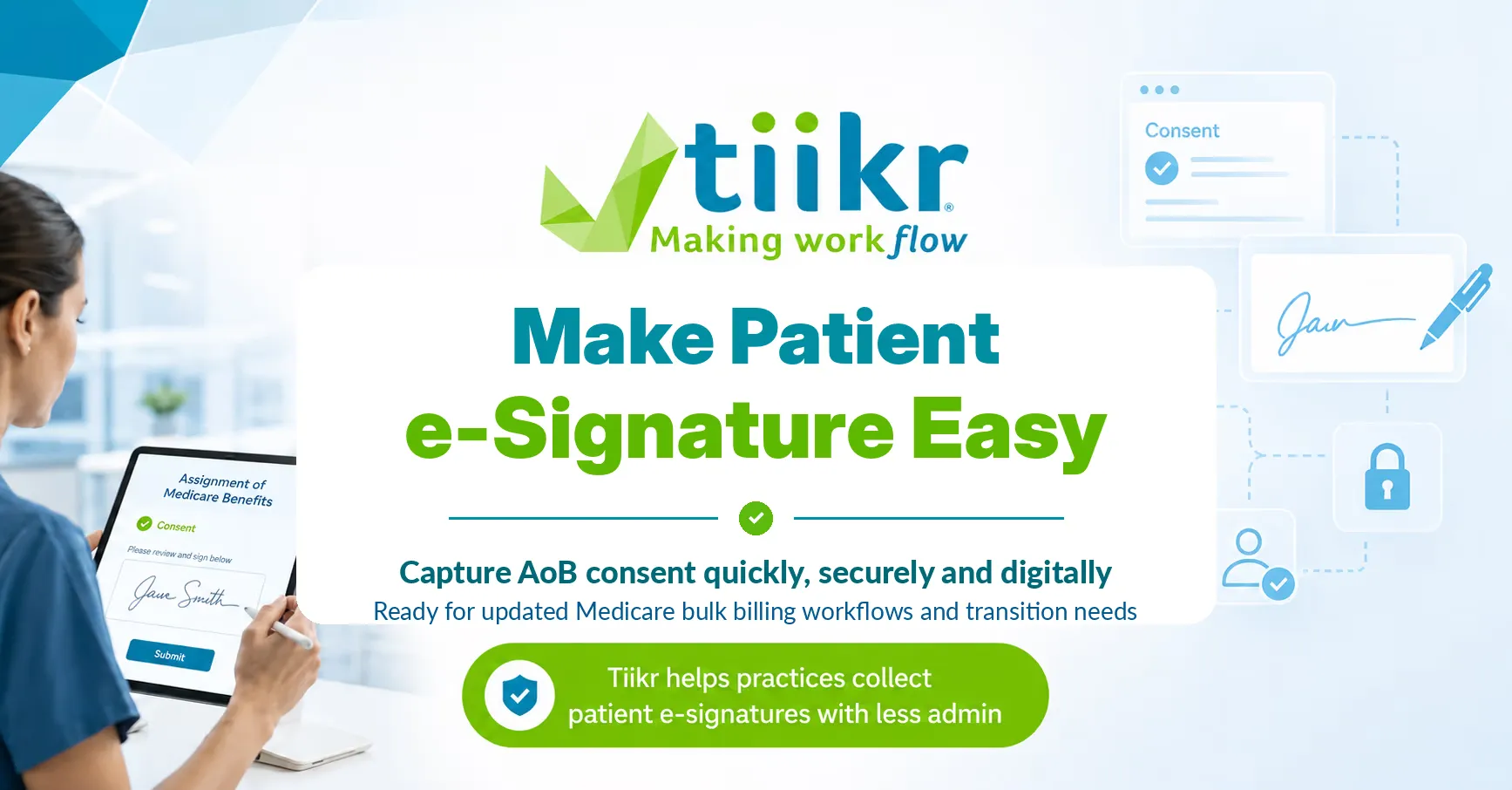
Patient e-signature should make AoB easier, not harder
Patient signature capture is one of the most visible parts of the updated Medicare Assignment of Benefit process.
For GP clinics, specialist practices and healthcare administration teams, the question is not simply whether a patient can sign. The real question is whether the practice can collect that agreement in a way that is clear, practical, secure and easy to manage.
From 1 July 2026, updated Medicare Assignment of Benefit consent requirements apply to bulk billing. Services Australia explains that consent can be given digitally or on paper, before or after a service, and that providers must keep a record of it.
That gives practices flexibility.
But flexibility also creates operational choices.
Should consent be captured before the appointment? After the appointment? At reception? Remotely? On paper? Digitally? By the patient? By an assignor? What happens if the service details change?
This is where patient e-signature needs to be treated as part of a workflow, not just a signature box.
AoB is more than a signature
It is tempting to think of Medicare AoB as a form-signing task.
That is too narrow.
An AoB agreement connects patient consent, service details, Medicare claiming, record retention and practice administration. In many practices, that workflow touches reception staff, billing staff, clinicians, patients and sometimes another person acting on the patient’s behalf.
A patient signature is important, but it is only one part of the process.
The practice still needs to:
- start the agreement
- include the required information
- send or present it to the patient
- capture agreement from the patient or assignor
- retain the completed record
- retrieve it later if needed
- provide a copy if requested
That is why a general e-signature tool may not be enough.
A Medicare AoB workflow needs to support the way a medical practice actually operates.
Can Medicare AoB be signed electronically?
Yes. Services Australia states that an assignment can be made either electronically or on paper.
That matters because digital completion can reduce the administrative friction that often comes with paper-based processes.
Patients can complete the agreement on a device. Practices can reduce scanning, manual filing and physical storage. Staff can avoid chasing missing information after the appointment. Completed agreements can be stored and retrieved more consistently.
For many practices, this is where digital AoB becomes less about technology and more about reducing everyday administrative pressure.
Why this matters for GP practices
GP clinics often operate in high-volume environments.
If a patient e-signature process is clumsy, it can quickly create front desk congestion. Reception teams may already be managing phones, arrivals, recalls, billing questions, appointment changes, patient enquiries and clinician requests.
Adding a slow or confusing AoB signing process can make that pressure worse.
A good digital AoB workflow should help GP practices:
- send agreements before the appointment where appropriate
- support in-practice completion where needed
- reduce paper handling at reception
- capture consent clearly
- help staff see what has been completed
- support record retention and retrieval
For eligible GP patients, enduring assignment may also become relevant. Services Australia explains that new enduring assignment options apply for certain eligible patients, including patients registered with MyMedicare, residents of aged care homes, and patients of Aboriginal Community Controlled Health Organisations and Aboriginal Medical Services.
Even with enduring assignment options, GP practices still need practical workflows for episodic assignment, patient completion, exceptions and record keeping.
Why this matters for specialist practices
Specialist practices may face a different challenge.
AoB volumes may be lower than some general practices, but the workflow may be more variable. The final service may not always be known before the consultation. A procedure may change. A different practitioner may provide the service. The MBS item may only be confirmed after the clinical interaction.
That can make post-service AoB capture more appropriate in some circumstances.
For specialist practices, the e-signature workflow needs to support precision.
It should help staff capture the correct service details, send the agreement to the patient at the right time, and retain the completed agreement against the correct patient, practitioner and service context.
A simple signature field does not solve that.
A structured AoB workflow does.
The transition period should not become a reason to wait
The Australian Government has confirmed a 12-month transition period to help providers implement the new Assignment of Benefit requirements.
This transition period is useful because it gives practices time to move carefully.
But it should not become a reason to delay.
The Department of Health, Disability and Ageing has stated that providers and software vendors already preparing for the new arrangements, including through digital solutions, should continue that work.
That is a practical signal for practices.
Now is the time to test the workflow, involve staff, identify exceptions and make sure the process works for real patients, not just ideal scenarios.
What should a good AoB e-signature workflow include?
A strong Medicare AoB e-signature workflow should be simple for patients and controlled for the practice.
For patients
The patient should be able to:
- open the agreement easily
- review the information clearly
- understand what they are agreeing to
- complete any required details
- provide their signature or agreement
- submit the agreement without confusion
- receive or request a copy
For practice staff
The practice should be able to:
- start the agreement
- add known service and provider details
- send the agreement securely
- track completion
- identify incomplete agreements
- store completed records
- retrieve the agreement later
This is where patient e-signature becomes part of a larger practice workflow.
The goal is not just to get a digital mark on a document. The goal is to complete the AoB process properly, consistently and with less administrative effort.
Why a workflow approach matters
At Tiikr, we see AoB as a workflow because that is how work actually happens in a medical practice.
Practice staff start the process. Patients or assignors complete their part. The completed agreement returns to the practice. The record becomes evidence that can be retained, retrieved and shared where required.
That matters because Tiikr is not simply replacing paper forms with online forms. The Tiikr Medicare Assignment of Benefits solution helps practices create structured, trackable AoB workflows that fit real practice administration.
This is especially important where external participants are involved. Patients may be completing the agreement outside the practice, on their own device, before or after the service. The practice still needs visibility, completion status and a reliable record.
Make the easy path the compliant path
A digital AoB workflow should make the right process easier for staff and patients.
If the process is too difficult, people will naturally find workarounds. They may print forms, scan documents, email attachments, leave records in inconsistent locations or rely on manual follow-up.
That is the problem Tiikr is designed to avoid.
With Tiikr’s AoB workflow solution, practices can move toward a process where the agreement is started, completed, signed, stored and retrievable in a structured way.
That helps reduce unnecessary admin while supporting a more consistent patient experience.
Can patients sign Medicare AoB agreements digitally?
Yes. Services Australia states that an assignment can be made electronically or on paper. For many practices, digital completion can make the AoB process easier to manage, especially where patients need to complete agreements before or after a service.
Is e-signature enough on its own?
Not usually. E-signature is only one part of the AoB process. Practices also need to manage service details, patient or assignor completion, record retention, retrieval and patient copy requests.
Should GP and specialist practices use the transition period to move to digital AoB?
Yes. The transition period gives practices time to implement a practical, tested workflow. It should be used to reduce reliance on temporary workarounds and prepare staff for a more consistent AoB process.
A practical next step
Start with one common AoB scenario.
Map how your practice starts the agreement, how the patient receives it, when they sign, how it returns to the practice, and where the completed record is stored.
Then ask a simple question:
Can staff and patients complete this process easily, without creating extra administration?
If the answer is no, it may be time to move from a signature tool to a workflow.
Book an AoB readiness review with Tiikr and see how patient e-signature can fit into a complete digital AoB workflow.